
Setup rental
Rent a home withfurniture and appliances.
Rent the home together with the furniture and appliances listed for it. Check photos and the inventory to see what is included.
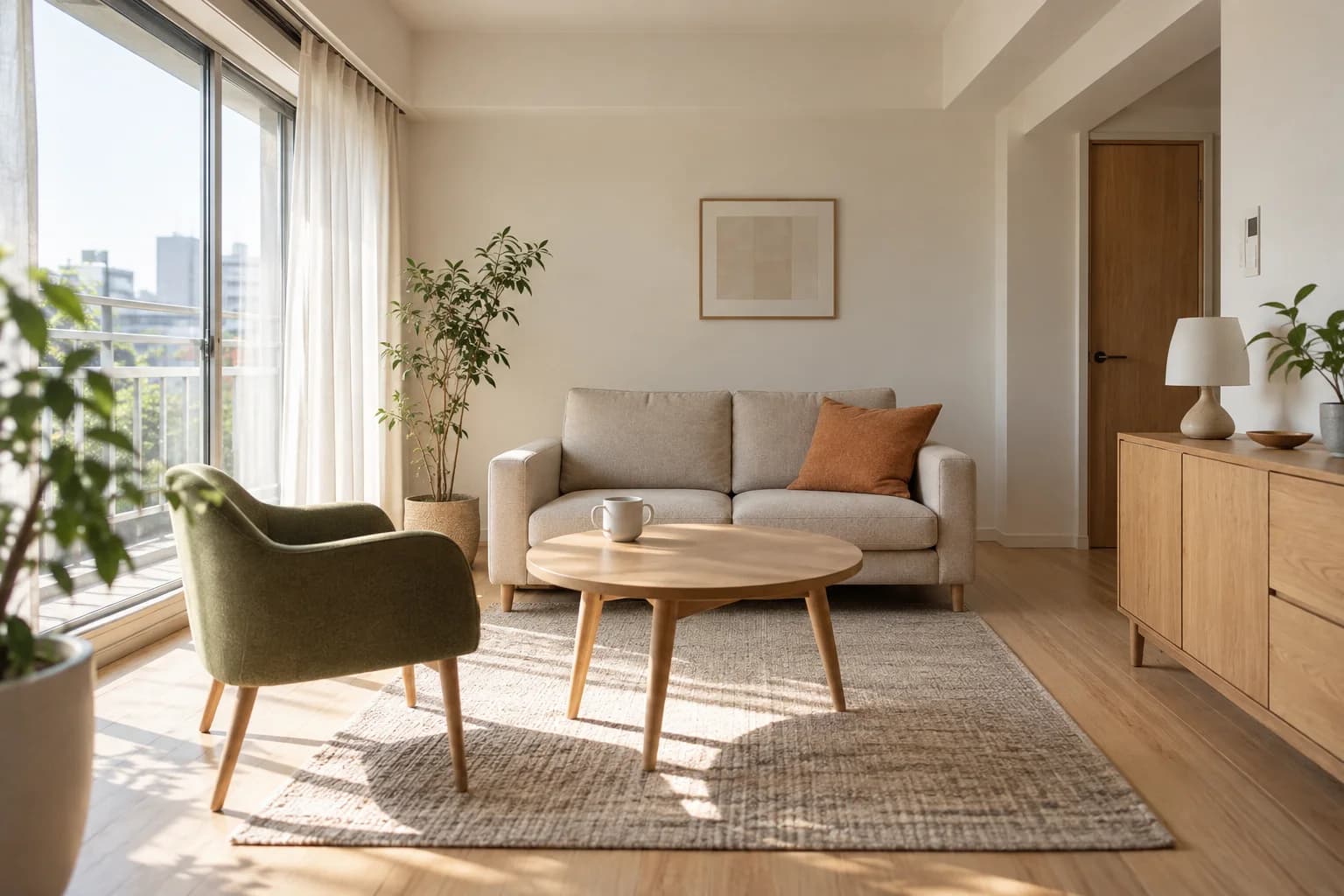
How is it different from a regular rental?
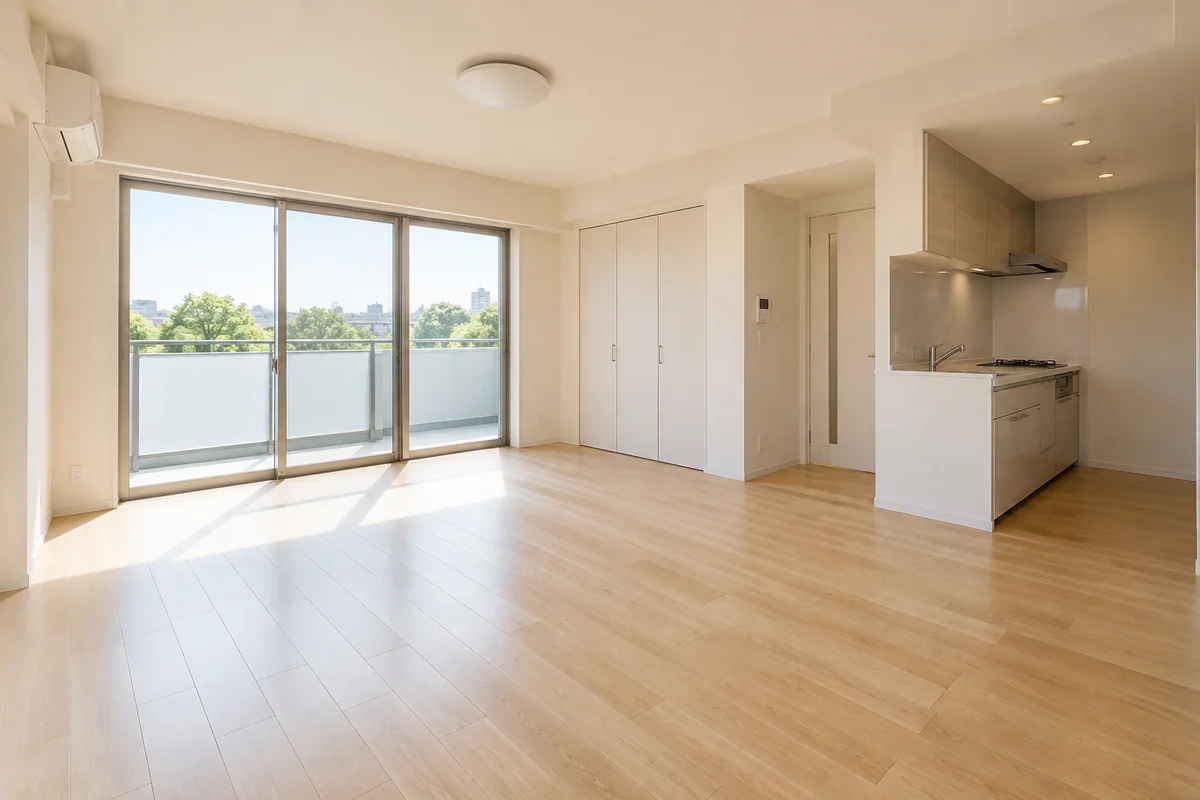
Regular rental
Regular rentals can be unfurnished or furnished. Check the listing to see what you will need.
Setup rental
Interior photos and an inventory help you picture daily life and check which furniture and appliances are included.
Check these before you rent.
Included items vary by home.
The furniture and appliances vary. Some homes do not include a bed.
Furniture use is included in rent.
Check the rental terms for other costs, such as management fees and utilities.
Check both photos and the inventory.
Photos show the atmosphere; the inventory confirms what comes with the home. Staging accessories may not be included.
What to check in furniture and appliances
These are examples of items a home may include. Select one for tips on checking size, condition and other details.
Your own bedding works, too.
Some homes have no bed. If you bring your own, check there is room for it.
Included items vary by property. A complete set, including a bed, is not required.
Steps to renting your home
Find a home in photos
Explore interior photos in the Atelier, then check the rent, terms and inventory of a home you like.
Check the space and furniture at a viewing
See the actual sizes and condition. Ask the owner about items you want to bring or do not need.
Confirm included items and apply
Check the inventory, condition and photos, then apply and sign through the usual ATLAS rental process.
From the agreement to moving out.
Included items, your agreement and help when needed.
About basic supportFurniture use is included in rent
Check the listing for management fees, utilities and other charges. The furniture count does not change the monthly rent automatically. This is a residential tenancy, not a hotel or accommodation service.
Check included items and later agreements
The contract preserves the inventory, condition and photos. Discuss optional removal under the listing policy. Later removals, replacements or gifts require a record of both parties’ agreement on costs, ownership and move-out treatment.
Use the existing basic support
Use the contract inventory to discuss repairs or replacements, with the item and photos. Removal or days out of service do not automatically reduce rent. Only when a financial adjustment is needed, an amount confirmed through basic support is handled as a one-time correction or refund of the relevant invoice.
Move out according to the contract and agreements
Leave loaned items and normally take your belongings. Check approved removals and costs already paid. Ordinary wear and ageing are not automatically charged as the cost of a new replacement.
Find your fit in photos and inventories.
Compare the atmosphere you like with the furniture and appliances you need.