
For everyone with a home to let
List your place. Find your next tenant.
Keep the furniture or let the space speak. Rent your way with ATLAS.
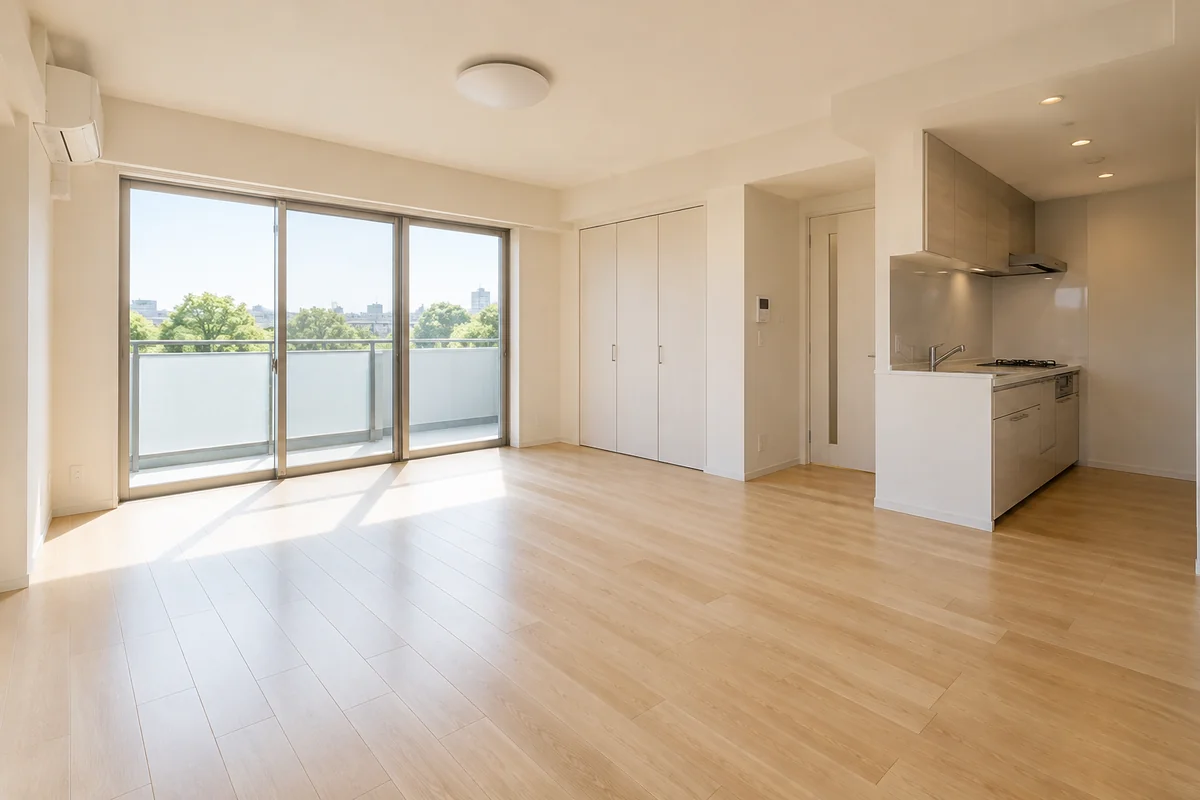

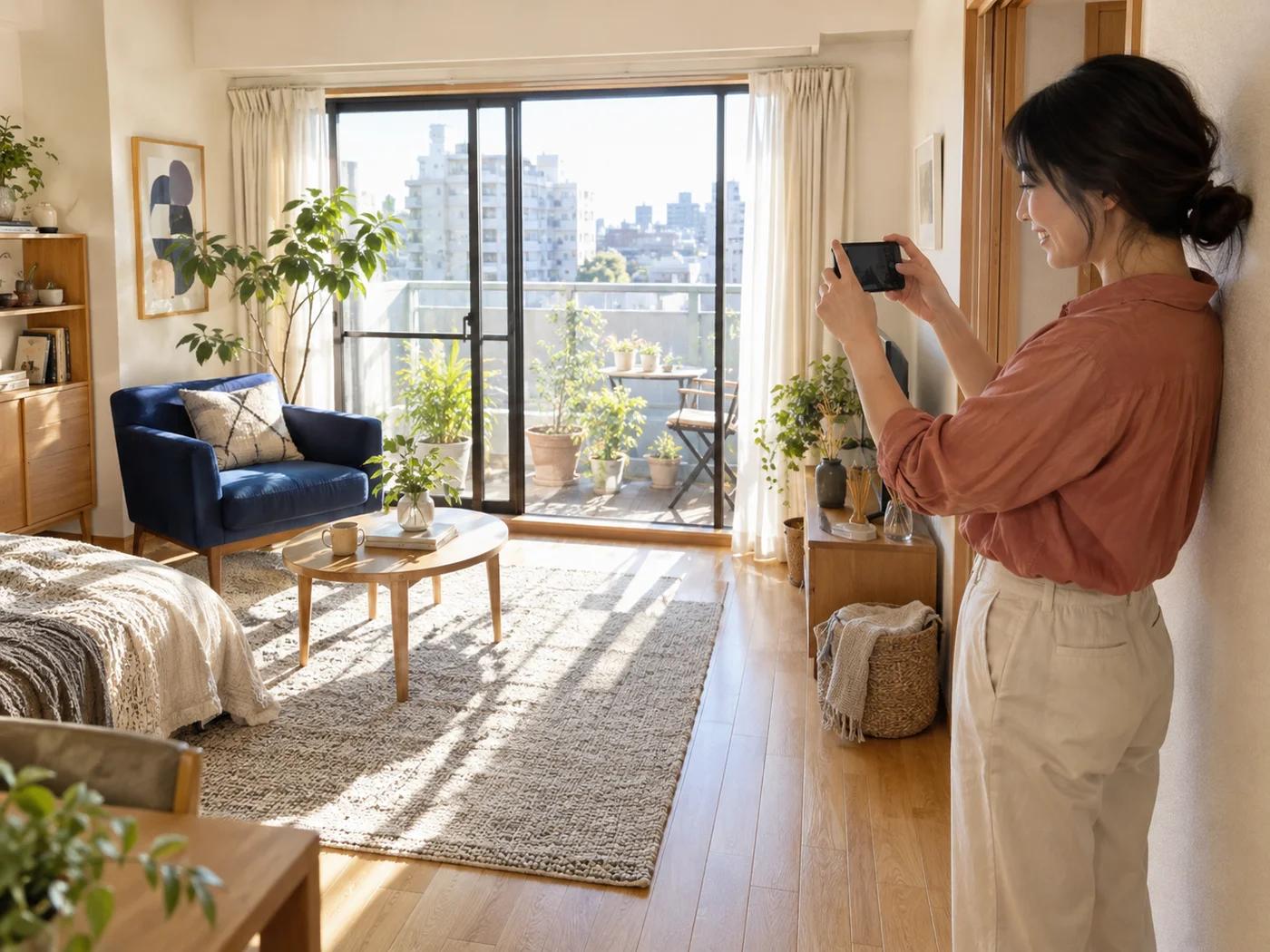

A way to rent that suits your home.
Let your furnishings add character, or let the space speak for itself. Both belong on ATLAS.
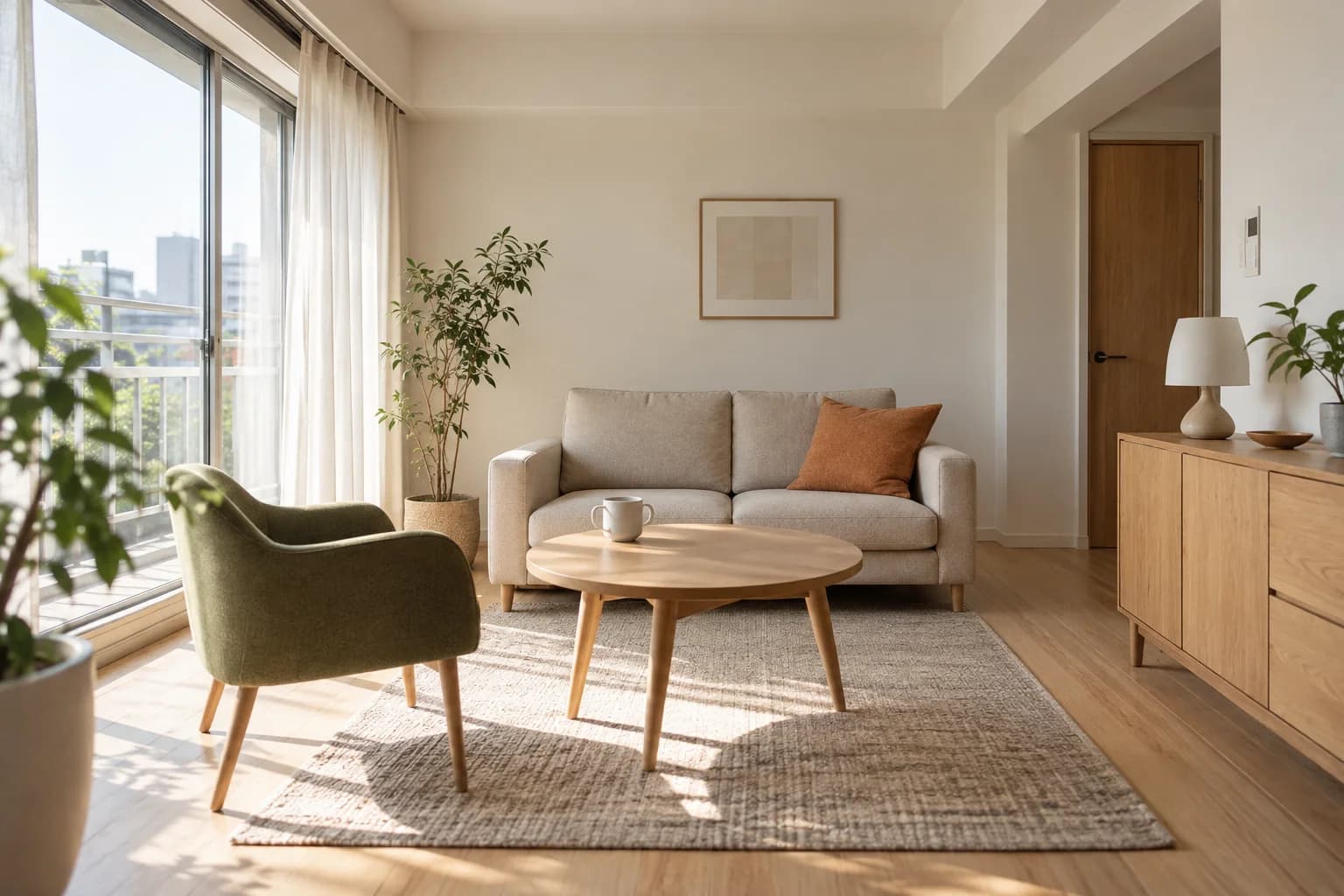
Make your furnishings part of the appeal.
The sofa and lighting you chose can bring character to someone’s next home. Decide which furnishings and appliances to include, then show what life there could look like.
Let the space speak for itself.
Natural light, generous space and a thoughtful layout. Show what makes the room special to people who want to make it their own, without adding furniture or appliances to manage.
From listing to tenant support.

Introduce your home.Introduce your home.
Add photos and rental terms. Publish when you are ready.
How listing works
Add photos and rental terms. Publish when you are ready.
Try it here. Nothing is sent, booked or saved.
Your first listing. Or a home already rented.
Your first listing or your next chapter. Start with what suits you.

My first rental
Begin with one home. Get your photos and rental terms ready at your own pace.
Start a listingLet the photos show what makes a home special.Let your photos do the talking.
Choose a photo to see an example listing for that home.

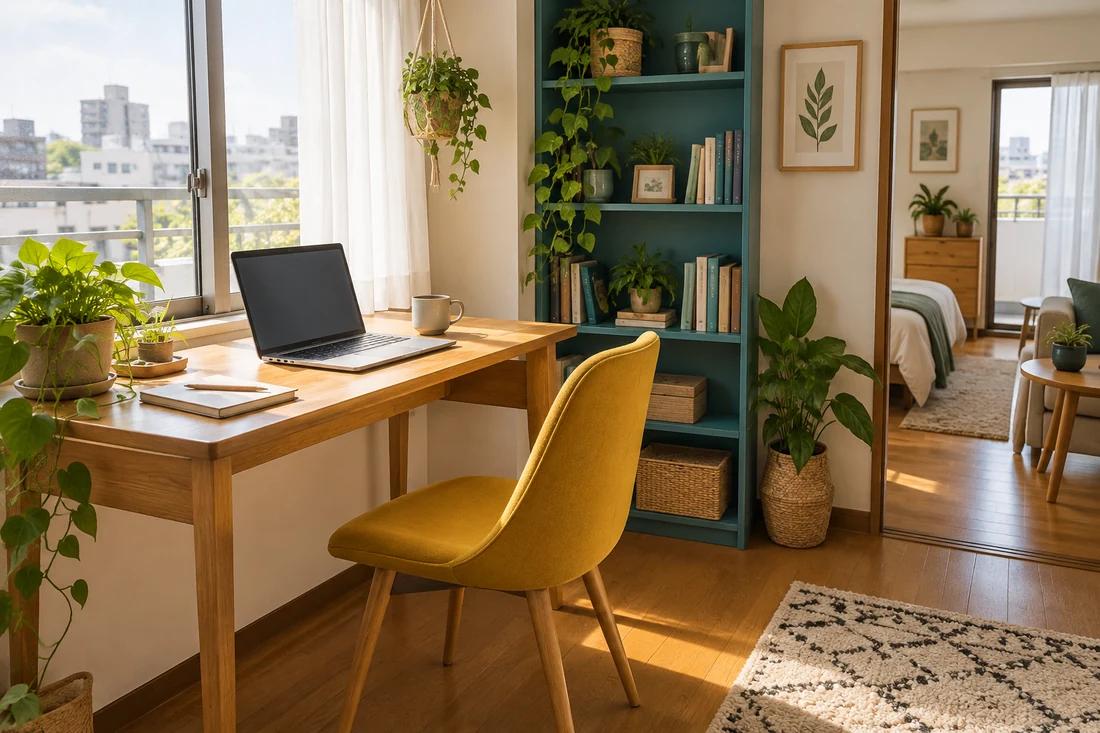
Bring your furniture. Make it your own.
Three steps to your first listing
Start with a draft. Publish when you’re ready.
From introducing your home to move-in
01First, register as an owner
Create an account and complete the identity verification process.
02Present your room and furnishings
Add room photos and a list of the furniture and appliances provided, including their condition. Save the rent and available move-in date as a draft.
03Publish when you are ready
After identity approval and the required checks, select Publish. Your listing stays public for 1 month, then automatically becomes private.
Before you rent out your home.
Furniture repairs and cover
Responsibility depends on the cause
- Owners generally pay for repairs or replacement due to normal use or age.
- For intentional or negligent damage, responsibility is assessed using the cause and age of the item.
- ATLAS provides no separate furniture cover; insurance cover depends on the policy.
Listing and application fees
No fee to list or receive applications
- Listing costs JPY 0, with no owner success fee.
- Receiving viewing requests and rental applications is also free.
- Optional services, such as viewing assistance, cost extra.
Unpaid rent and guarantees
Eligible rent covered within contract terms
- After approval, contract signing and confirmation of full initial payment, eligible rent and common charges are guaranteed within the contract limit, up to 3 months.
- Vacant periods, the first month or initial invoice, and repairs are excluded.
- The resident pays the guarantee fees.
Common questions
Talk to us about listingWill my home go public as soon as I register?
No. Property details are saved privately. After identity approval and the required checks, select Publish to make your listing public for 1 month. Once that period ends, you can publish again from property management.
Can I use ATLAS if my home already has tenants?
Yes. Register an occupied home to manage it and communicate with your tenants. You can start even when you are not looking for a new tenant.
Explore rent managementCan I decline viewing requests or rental applications?
Yes. You can review each viewing request or rental application and choose to decline it.
Your place. Someone’s new beginning.
Start with a photo. Get your listing ready at your own pace.
Create a free owner account