
Property listing
Keep the furniture or let the space speak. Rent your way with ATLAS.

Saving a property does not publish it. After identity approval and the required checks, select Publish to start listing.
Optional viewing assistance and rent management are priced separately.
See what you need to get started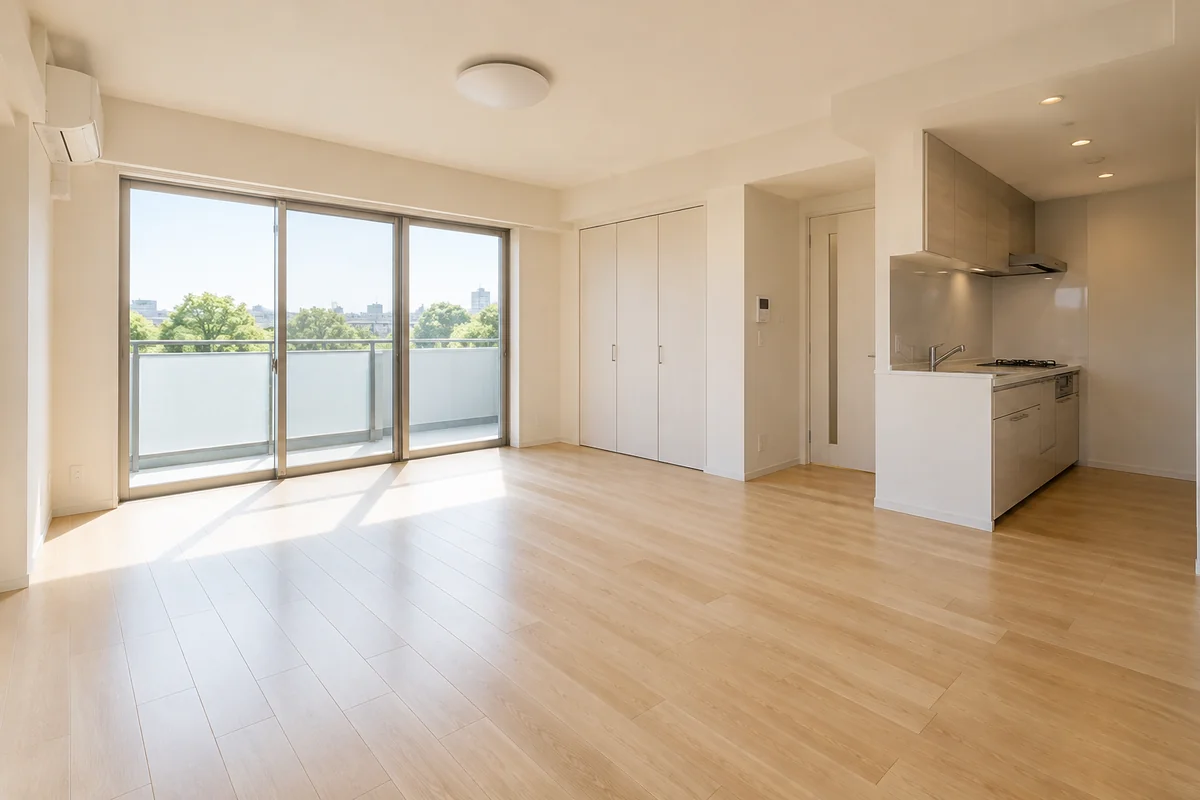
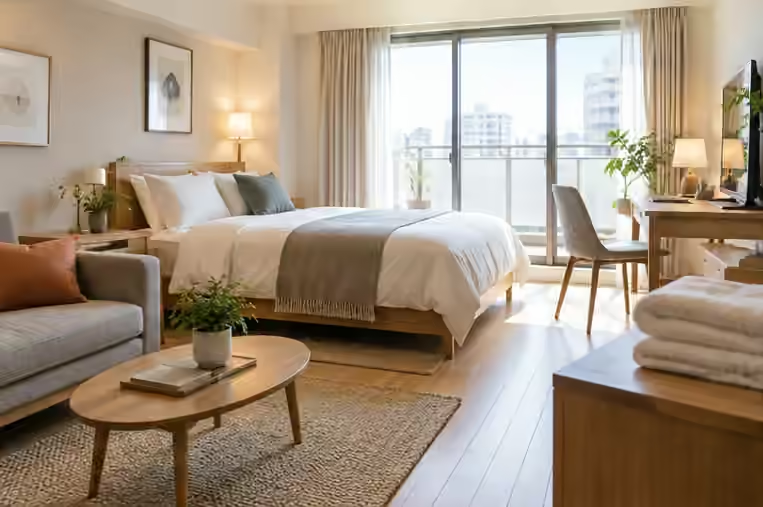
A way to rent that suits your home.
Let your furnishings add character, or let the space speak for itself. Both belong on ATLAS.
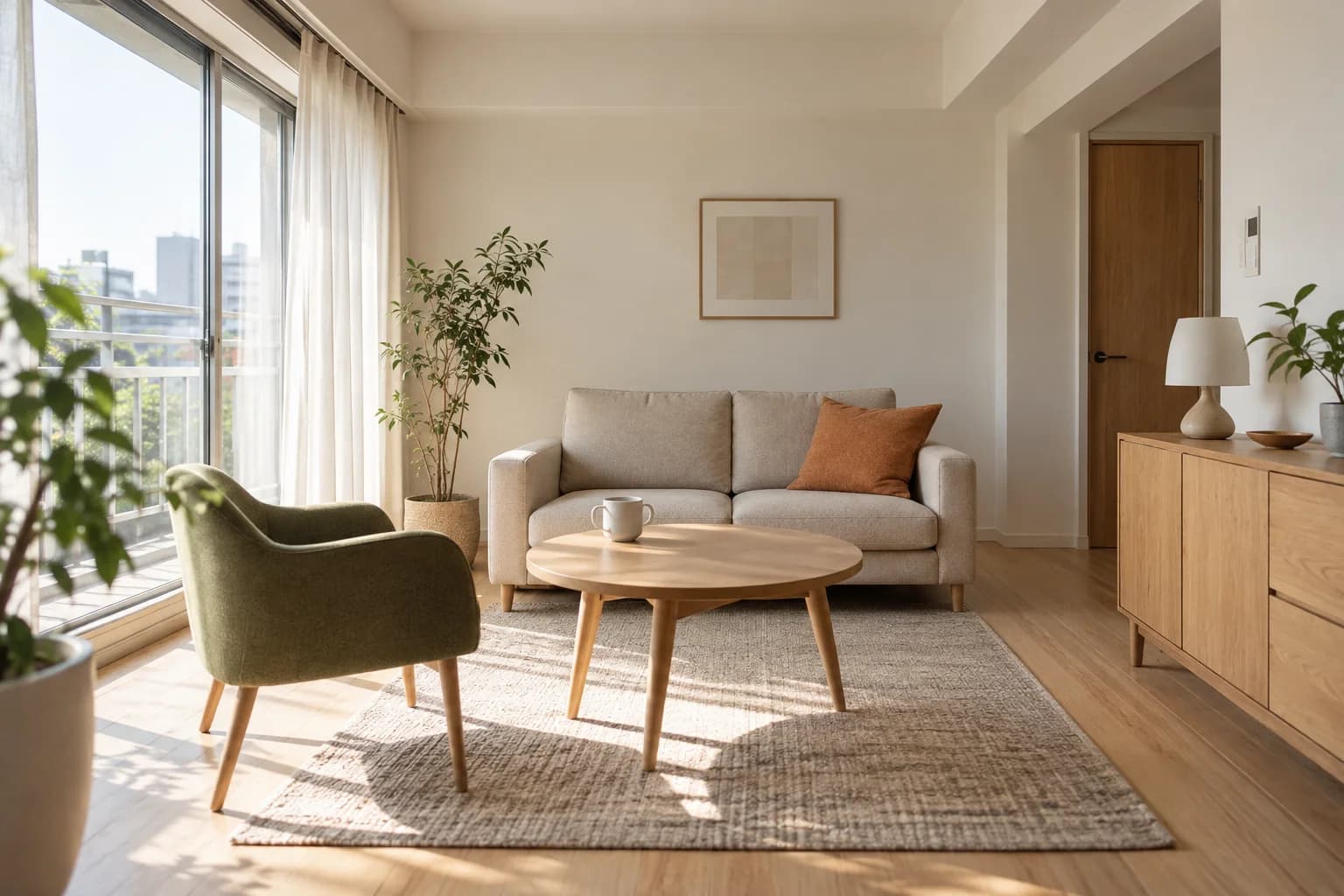
Make your furnishings part of the appeal.
The sofa and lighting you chose can bring character to someone’s next home. Decide which furnishings and appliances to include, then show what life there could look like.
Let the space speak for itself.
Natural light, generous space and a thoughtful layout. Show what makes the room special to people who want to make it their own, without adding furniture or appliances to manage.
Services
A JPY 0 place to begin.
Prepare photos and terms, then publish when ready. A listing stays public for one month; publish it again from property management afterwards.
Photos and rental terms
Choose your photos, describe the details and set your rental terms. Connect directly with prospective tenants.
Viewings, applications and leases
Follow viewings, applications and lease preparation. Choose optional support when needed.
How to publish a listing
Create your owner account
Create an account and start identity verification.
Save your property details
Add photos, a floor plan, rent and availability. Saved details remain unpublished.
Select Publish to start listing
After identity approval and the required checks, select Publish. The listing is automatically unpublished one month later.
PROPERTY LISTING
Listing fee: JPY 0. Publication lasts one month from the day you publish.
No payment is needed to publish a listing.
Listing fees
Owner success fee ¥0
Optional viewing assistance and rent management are priced separately.
Explore optional service pricing →Approval, a successful let and move-in timing are not guaranteed. Listings are automatically unpublished when their publication period ends.
Let your photos do the talking.

Frequently asked questions
Is there a fee just to publish?
Listing fee: JPY 0. Publication lasts one month from the day you publish. Optional viewing assistance and rent management are priced separately.
Can I ask before registering?
Yes, even before all details are ready. An inquiry never publishes a property. The current listing fee is JPY 0; only optional services cost extra.
Must I conduct every viewing?
Choose an available viewing option for the property. ATLAS viewing assistance is separate and subject to area and scheduling conditions.
Can I manage the listing after publishing?
Yes. Edit your details and change publication status. Identity and listing requirements continue to apply.
ATLAS services


Listing preparation
Rental listing preparation checklist for owners
Review photos, floor plans, rent, upfront costs and viewing arrangements. See what is ready and what to check next without registering or uploading documents.
Explore02Reviewing where to list your rental?
Check reusable materials, existing agreements, costs and publication steps when considering another listing platform. Ask ATLAS before creating an account.
Explore03List a rental in Adachi, Tokyo
For owners considering rental listings in Adachi and around Gotanno. Review preparation, pricing, viewing arrangements and live examples before registering.
ExploreSaving a property does not publish it. After identity approval and the required checks, select Publish to start listing.